

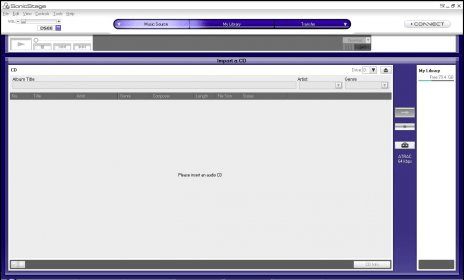
Import and organize music files from different sources. Work with audio disks, online services, hard drive folders, etc. Register newly added tracks in the library and quickly access and manage individual entries by renaming, removing, or relocating them in the lists.
SonicStage allows you to import music from a variety of sources such as audio CDs, online music services, and your computer's hard disk. Your music files are registered as tracks in "My Library," the SonicStage music database. Tracks within My Library can be managed in various ways. For example, you can create custom compilations, search by artist names or genre, rearrange the order of tracks, and more. Tracks can be transferred from My Library to a portable device/media, or written to a CD-R/CD-RW disc so you can enjoy music while away from your computer.




Comments (6)